


 Belgium
 Denmark
 Finland
 Germany
 Malaysia
 Netherlands
 Norway
 Poland
 Sweden
 UK
UK


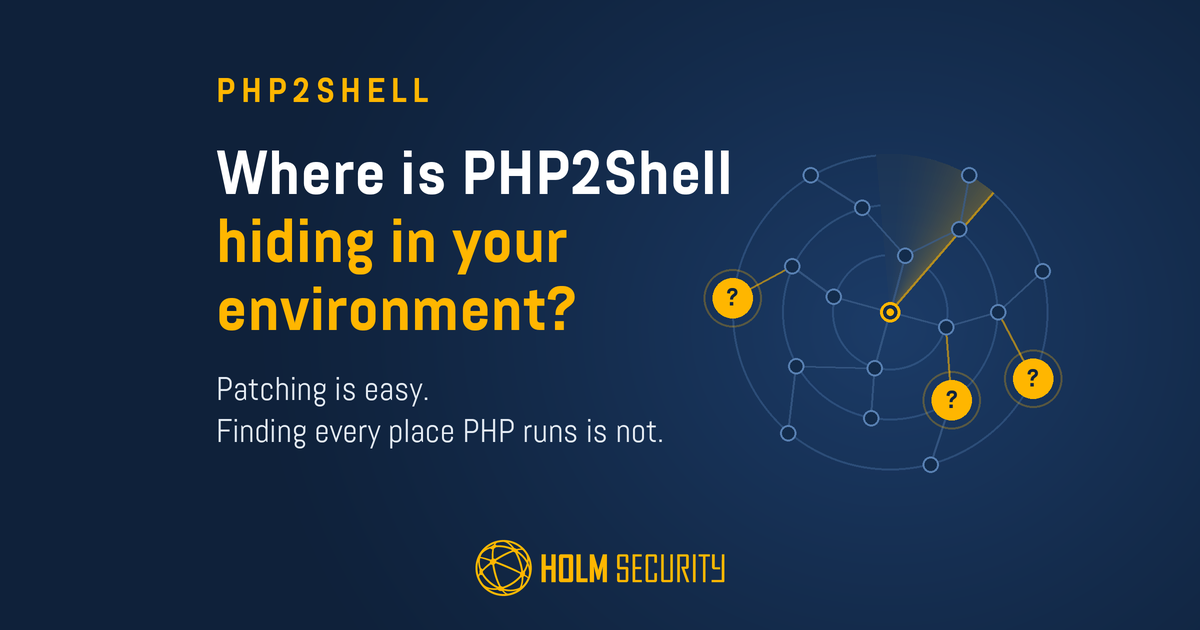
When the critical PHP vulnerabilities broke on October 21, how long would it have taken you to answer one question: where do we run PHP?
PHP2Shell (CVE-2026-109618, CVE-2026-109619) sent organizations around the world scrambling. In the Netherlands, cyber agency NCSC-NL took its own website offline, with DigiD, Overheid.nl, the lower house of parliament and the Port of Rotterdam following suit. At the same time, Germany’s federal IT service ITZBund took down several portals, and Sweden's CERT-SE, part of the national cybersecurity center, urged organizations to quickly find out which of their systems use PHP and update them.
While going offline can buy time as updates are applied, it's a stopgap - not a fix. The fix itself is simple: update PHP and deploy again. The hard part comes before that, which is finding every place PHP runs.
Your code shows what you meant to run
Your code and configuration files describe what you meant to deploy, not always what’s running today. That gap matters because Wiz Research reports that every PHP version released in the last decade is affected by at least one of the vulnerabilities, going back to PHP 5.4, so any old version that survives is a candidate – including one on a server set up by hand years ago. That said, the gap doesn’t take years to open. I can take just months or days if a service has missed its last redeploy or an update never finished.
Any of these can still run a version your code no longer shows, so when a critical vulnerability hits something as common as PHP, the first job isn’t patching. It’s finding out what you really run.
Where PHP hides
In our experience, PHP shows up in four places that are easy to miss.
- Shared container images. Many teams build their services on a shared base image that includes PHP. If that image is out of date, every service built on it is too - including services that don’t look like PHP applications at all.
- Image labels that move. Teams often point to an image by a general label like “PHP 8 with Apache.” The label looks stable, but it points to a newer build each time the image is updated. Unless you lock each service to one exact build, you can’t be certain which PHP version is running.
- Environments nobody switched off. Old test environments, demo servers and forgotten internal tools often outlive the people who built them, and they rarely show up in any inventory. More on those below.
- Software you bought. Many commercial products run PHP inside, and you would never know from using them. Our own platform is one of them. When PHP2Shell hit, we patched it and kept our customers informed.
You can’t patch what you don’t know exists
Everything above comes down to one risk: assets nobody knows about. Systems on your list get patched within days. The ones that cause trouble are the ones nobody is tracking.
Did you already patch the tool someone wrote in 2002, who retired two years ago, and that has been running quietly in the background ever since? What about the demo instance someone set up quick-and-dirty three years ago and then forgot about? Nobody watches these systems, and nobody owns them. If they’re reachable from the internet, PHP2Shell makes no exception for how old or forgotten they are.
Your attack surface is everything an attacker can reach, including the parts your team has lost track of. You can’t assess, patch or monitor what you haven’t found, so discovery has to come first. Once you know what you have, fixing it is the easy part.
How to fix this properly
Update to PHP 8.5.12, 8.4.27, 8.3.36 or 8.2.35, as listed in PHP’s security advisory. Rebuild your container images instead of patching running ones, and restart PHP afterwards. A fix only takes effect once the web server and PHP processes restart. If your version number looks unchanged after updating, check the package’s change log. Linux distributions often add security fixes without changing the version number.
PHP 8.1 and earlier no longer get official updates, and CERT-EU says to treat unsupported versions as exposed unless your vendor has backported the fix. If you can’t update a system quickly, take it off the internet until you can. Systems that face the internet should be fixed first.
A successful deploy is not proof
A successful deploy shows that the new version shipped. It doesn’t show that the old one is gone. An old copy that’s still running, an update that failed halfway, or a server outside your normal deploy process can all keep the vulnerable version alive.
That’s the difference between “we deployed the fix” and “we’re no longer exposed.” Check what’s running, not what you shipped.
What "good" looks like
Speed matters here. PHP released its fix on October 21, and by morning the next day we had vulnerability tests for PHP2Shell available for both unauthenticated and authenticated scans.
Within an hour of a critical vulnerability, you should be able to answer four questions:
- Which systems run the affected software? Including products you bought, not only what you built.
- Which versions are they actually running? Not the version in your code.
- Which of them face the internet? Those come first.
- Who owns each one? A system without an owner doesn’t get patched.
Three habits make those answers fast:
- Keep a list of the shared images your services are built on
- Lock each service to an exact image build
- Assess your live environment regularly to catch what your code doesn’t show
How we handled PHP2Shell at Holm Security
Our platform runs PHP too, so we went through the same exercise ourselves. Here’s where we stand:
- We’ve patched our cloud platform
- We’ve started rolling out the patch to customers who run a self-hosted Security Center
- Our vulnerability tests are live on both cloud scanners and Scanner Appliances, and they’re added to existing scan profiles automatically
- We’ve sent an early notification to ENISA, in line with the EU Cyber Resilience Act
Our tests assess what’s actually running in your environment, including systems your code doesn’t show.
Ready to get started? Get a free PHP exposure assessment today.
FAQ
-
What is PHP2Shell?
PHP2Shell is the name for CVE-2026-109618 and CVE-2026-109619, critical PHP vulnerabilities that can allow remote code execution on a web server without a login. Both score 9.2 out of 10 on CVSS v4.0.
-
Which PHP versions are affected?
Every PHP version released in the last decade is affected by at least one of the flaws, going back to PHP 5.4. The fixed versions are PHP 8.5.12, 8.4.27, 8.3.36 and 8.2.35. PHP 8.1 and earlier no longer get official updates.
-
Is a container fixed once I update its image?
Only after you rebuild it, deploy it again and confirm that no old copies are still running.
-
Why does my PHP version number look the same after updating?
Linux distributions often add security fixes without changing the version number. Check the package’s change log for the CVE IDs.
-
Which PHP setups are most at risk?
All PHP installations that serve web requests are affected, including mod_php, PHP-FPM, php-cgi, FrankenPHP and LiteSpeed. PHP considers mod_php the highest risk, because an unauthenticated request can trigger the vulnerabilities before any application code runs, according to the Canadian Cyber Centre's advisory.
-
How do I find all the places PHP runs?
Start with the shared images your services are built on. Then check the versions running in your live environment, including products you bought and old environments nobody owns. A regular assessment of your live environment catches what your code doesn’t show.

Head of Security Research
Mihail has extensive expertise in vulnerability management and over 10 years’ experience in IT and cybersecurity. With a strong foundation in software development, including automation and automotive industries, he leads the Security Research team and is responsible for all vulnerability tests across the company’s suite of vulnerability scanners.